

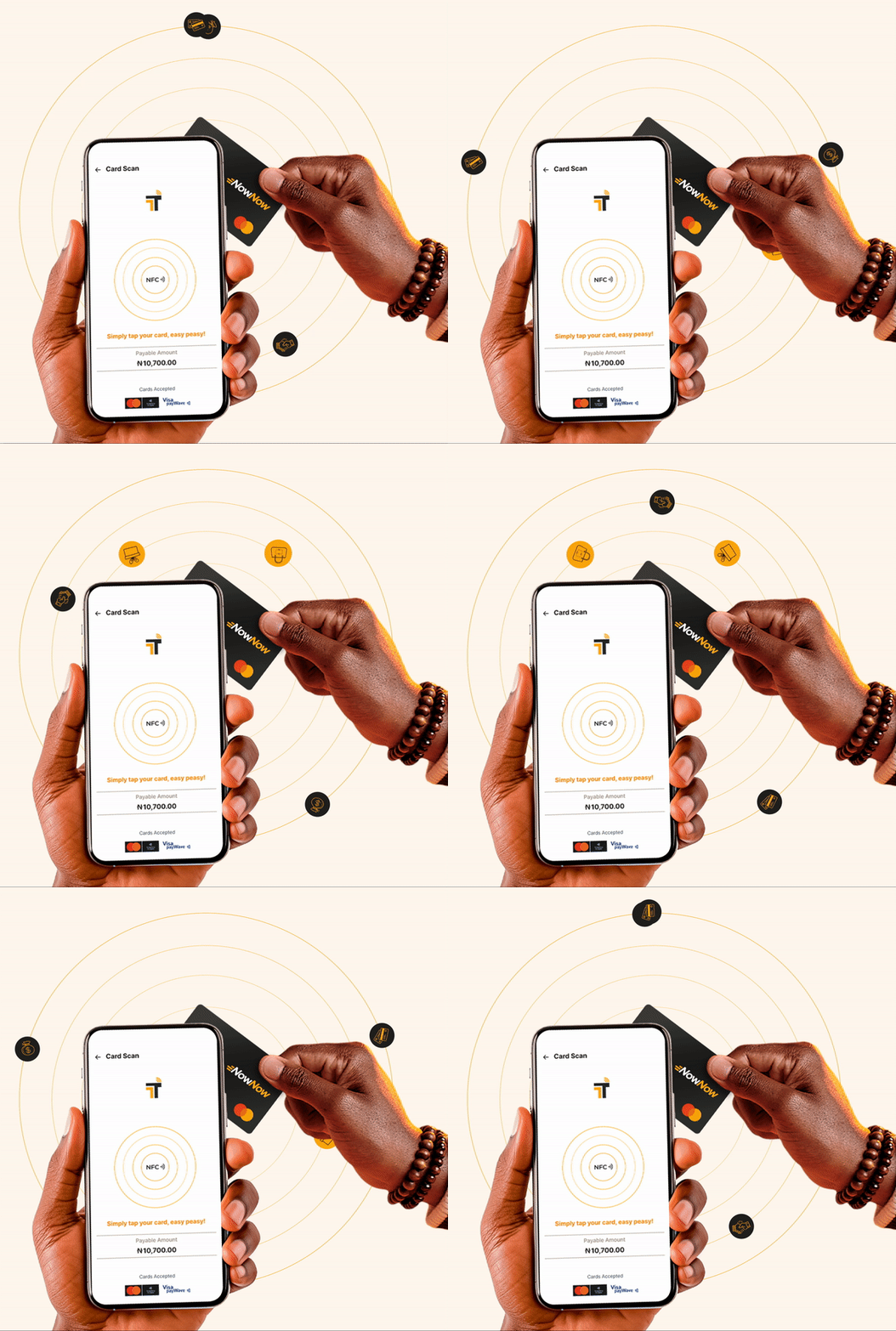
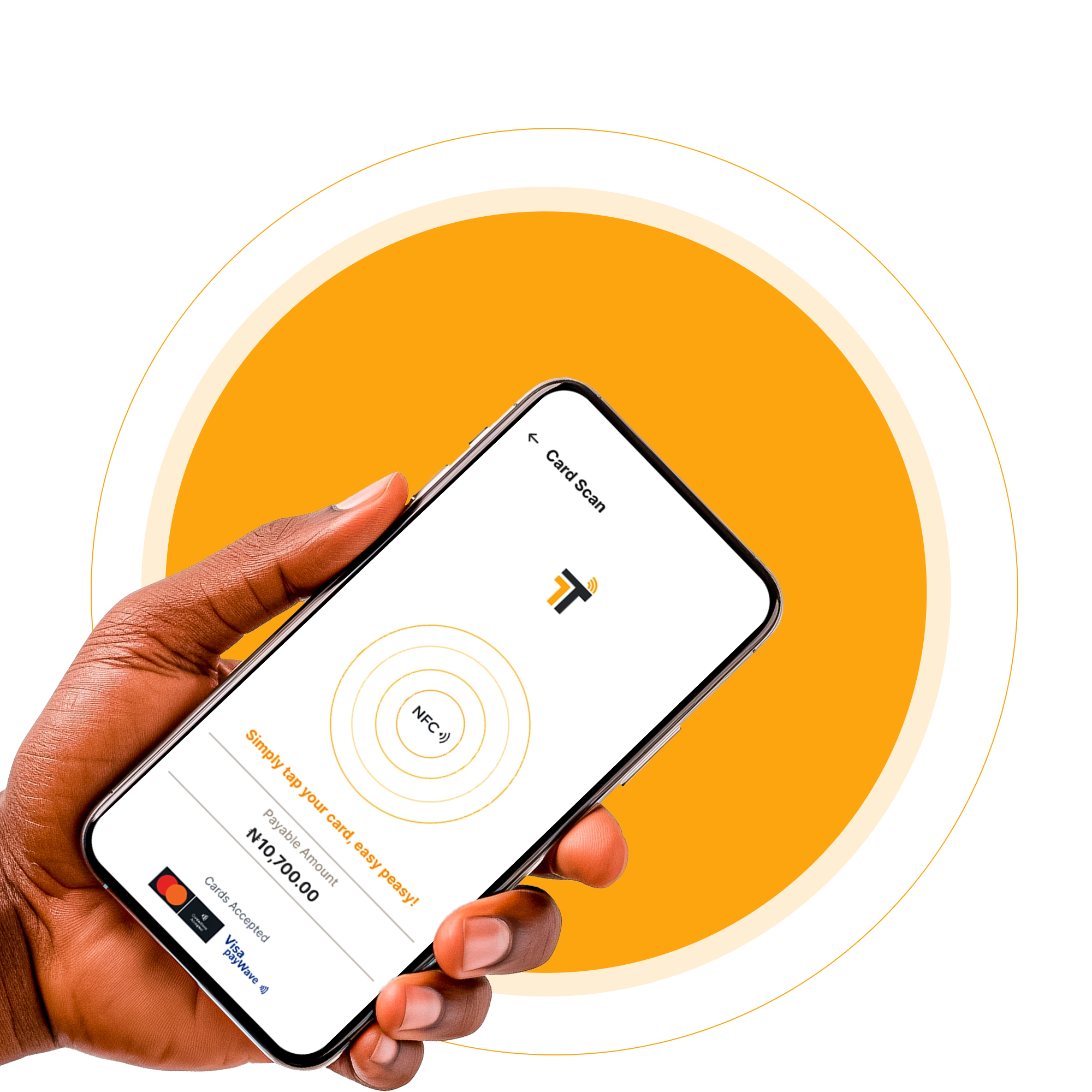
Receive Card payment with a tap
No POS Needed!




Setup in 5 Minutes!
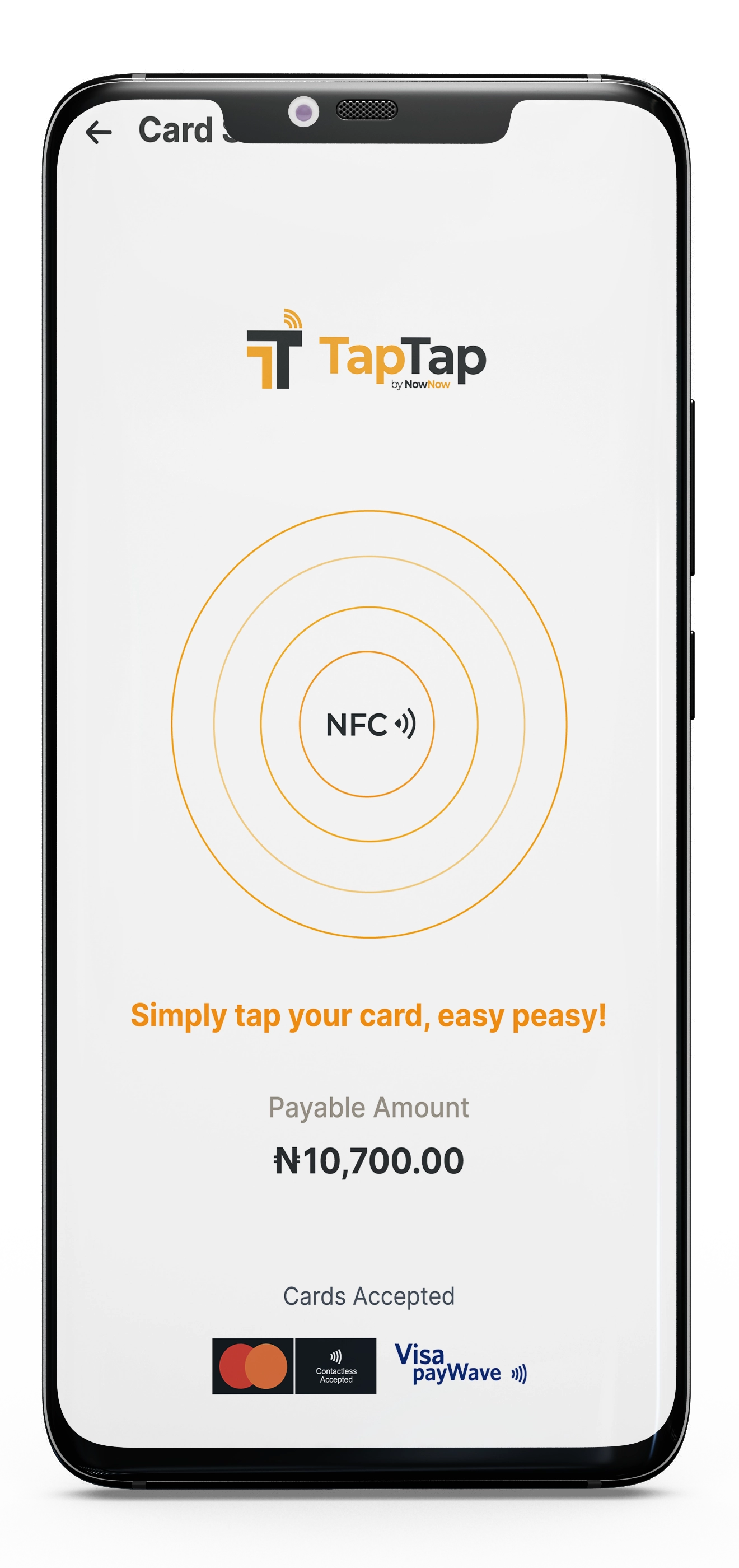
- 01 Download the TapTap app on Playstore
- 02 Log in using BizPadi or MyBiz
- 03 Link your wallet ID
- 04 Select Tap & Pay and get started

Frequently Asked Questions
Anyone with any business can. However, you must have a MyBiz or BizPadi account to log in. MyBiz and Bizpadi are business banking and payment products powered by NowNow. If you don’t have an account, please tap MyBiz or BizPadi to sign up now.
No. Pay and Tap works on Android 9.0 smartphones (or newer versions) with Near-Field Communication (NFC).
- Go to the ‘Settings’ menu on your phone.
On the search option, type “NFC” or “Near Field Communication”. If you see the app, then your smartphone supports NFC technology.
Your customers can make contactless payments using their physical debit. All they need to do is simply tap their card on your device and put their PIN to approve the transaction.
- Tap and Pay is more secure. It minimizes physical contact. It is also a convenient and trustworthy way to pay, as consumers do not need to hand over their cards to sellers when paying.
- As promised, we are always available to support. So, all dispute claims can be addressed via a call to: l. Also, you can send an email to: customercare@nownow.ng

